






Blog
Best Laptop Table for Remote Workers

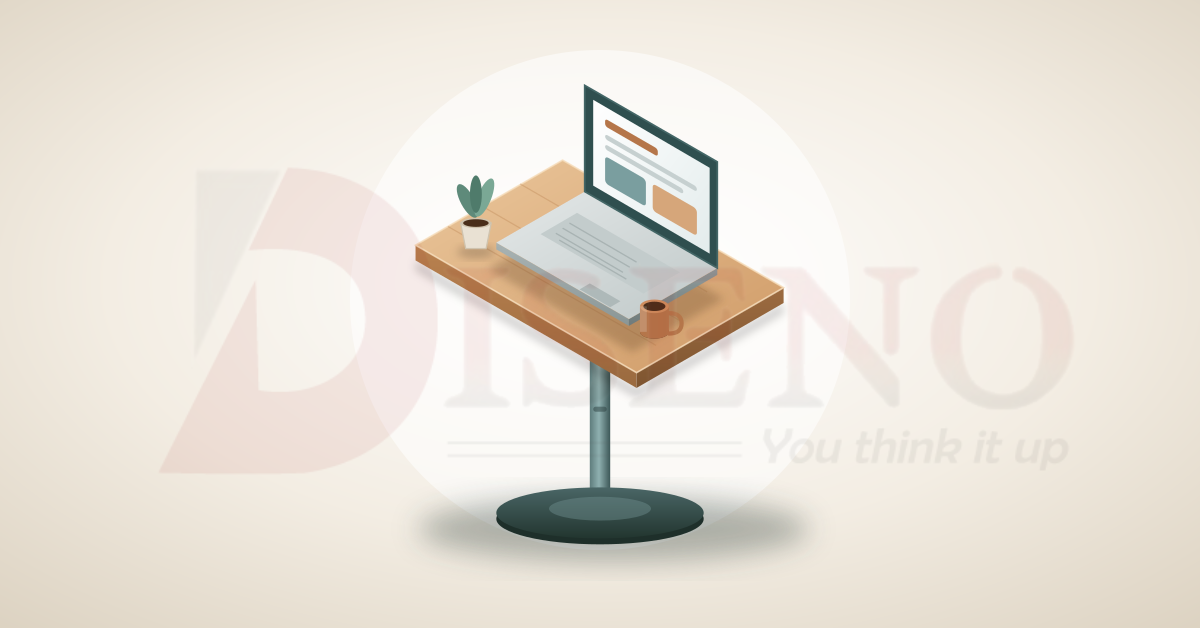
Remote work has turned kitchen counters, sofas, and spare bedrooms into offices. But a laptop balanced on your knees or a dining table that was never meant for eight-hour days can quickly lead to sore shoulders, a stiff neck, and a tired mind. A good laptop table solves this problem without demanding the space or budget of a full desk.
This guide walks through the best types of laptop tables for remote workers, who each one suits, and how to choose the right one for your home.
Why a Dedicated Laptop Table Is Worth It
A laptop table is more than a piece of furniture. It is a small investment in how you feel and perform every day.
- Better posture: A table at the right height helps keep your back, neck, and wrists in a more natural position.
- Flexible workspace: You can work from a sofa, bed, balcony, or corner of any room.
- Less clutter: A defined work surface keeps your laptop, notebook, and drink in one organized place.
- Better focus: Having a specific spot for work helps your brain separate job time from relaxation time.
- Heat management: Many designs allow airflow around the laptop, which helps prevent overheating on your lap.
The Best Laptop Table Picks by Type
1. Height-Adjustable Laptop Desks
Best for: people who switch positions often.
These tables let you change the height and, in many cases, the tilt of the top. You can use them while sitting upright, reclining on a sofa, or even standing on a counter. The adjustability makes them one of the most versatile options for remote workers who move through the day.
What to look for: a sturdy locking mechanism, a smooth height range, and a top that stays stable when you type.
2. Sit-Stand Desktop Converters
Best for: people who already have a desk or table.
A converter sits on top of your existing surface and lifts your laptop and screen to standing height. It is an affordable way to add a standing option without replacing your furniture. Alternating between sitting and standing can make long days feel less tiring.
What to look for: enough surface for your laptop and an external mouse, smooth lifting, and a weight capacity that suits your equipment.
3. Foldable Laptop Tables
Best for: small apartments and frequent movers.
Foldable tables collapse flat and tuck behind a door or under a bed. They are a great choice when space is limited or when you want to clear your living area at the end of the workday. Many come with legs that fold in and tops that can be adjusted.
What to look for: firm hinges, non-slip feet, and a surface that does not flex under typing.
4. Bed and Sofa Lap Desks
Best for: casual work and short sessions.
A lap desk rests on your legs or on the bed, giving your laptop a flat and cooler surface. Some include cushioned bases, built-in tablet slots, or storage pockets. They are comfortable for emails, reading, and light tasks, though they are not ideal for long, intensive work.
What to look for: a lightweight build, a cushioned or non-slip base, and ventilation to keep the laptop cool.
5. Compact Writing Desks
Best for: people who want a stylish, permanent setup in a small space.
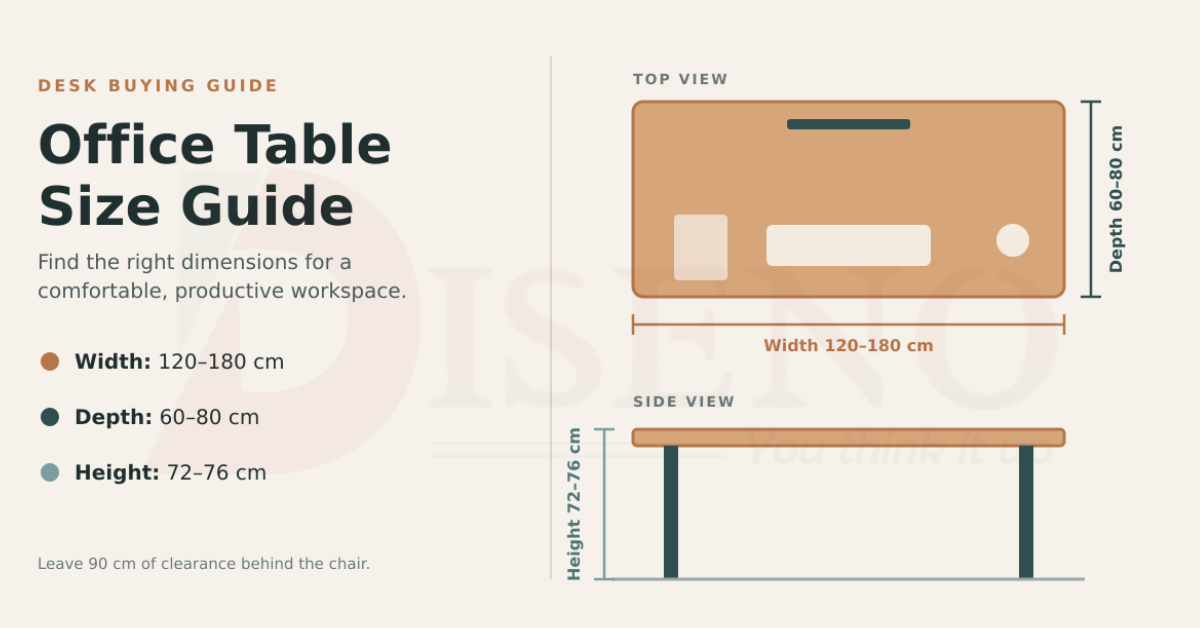
Slim writing desks give you a real workspace without dominating the room. A narrow profile of around 90 to 120 cm in width suits most apartments and bedrooms. Some include a drawer or small shelf for essentials.
What to look for: at least 50 to 60 cm of depth, sturdy legs, and a finish that matches your decor.
6. Wall-Mounted and Fold-Down Desks
Best for: very tight spaces.
These desks attach to the wall and fold up when you are finished. They keep the floor clear and are ideal for studio apartments or shared rooms. The key is a secure installation, so check the wall type and weight limits before buying.
What to look for: strong mounting hardware, a stable folding mechanism, and a surface large enough for your laptop and accessories.
7. Rolling Laptop Carts
Best for: people who work in different rooms.
A cart on wheels glides easily from living room to bedroom to patio. Many have height adjustment and a side table for notes or a drink. They suit anyone who values mobility and wants to work wherever the light or the mood is best.
What to look for: lockable wheels, a stable base, and smooth height control.
Key Features to Compare
Whatever style you choose, these features separate a good laptop table from a frustrating one:
- Stability: The table should not wobble while you type or when you rest your wrists on it.
- Surface size: Make sure there is room for a laptop, a mouse, and a notebook or drink.
- Adjustability: Height and tilt options help you maintain a comfortable posture.
- Material quality: Solid wood, bamboo, and powder-coated steel generally last longer than thin, low-grade boards.
- Weight capacity: Check that it can support your laptop and any extra equipment.
- Portability and storage: A lighter or foldable design matters if you plan to move it often.
- Ventilation: Cooling vents or an open design can help your laptop run at a comfortable temperature.
Ergonomic Tips for Remote Workers
Even the best laptop table works better when you use it well.
- Raise your screen. Aim to have the top of the display near eye level. A laptop stand or an external monitor helps.
- Use an external keyboard and mouse. This lets you position the screen and your hands separately, which reduces strain.
- Keep elbows near 90 degrees. Your forearms should rest comfortably, not reach upward or downward.
- Support your back. Sit with your lower back supported and your feet flat on the floor or a footrest.
- Take regular breaks. Stand, stretch, and look away from the screen every so often, no matter how good the setup is.
How to Choose the Right Table for You
Start by asking a few practical questions:
- Will you work from this table for a few hours or the entire day?
- How much space do you have, and does the table need to be stored away?
- Do you prefer sitting, standing, or a mix of both?
- Will you use it on a sofa or bed, or at a fixed spot in a room?
- What is your budget, and what matters most: portability, comfort, or style?
If you work long hours, lean toward an adjustable or full-size compact desk. If you work in short bursts or from different rooms, a rolling cart or foldable table may suit you better.
Conclusion
The best laptop table for a remote worker is the one that fits your space, supports a healthy posture, and makes you want to sit down and get to work. Whether you choose a height-adjustable desk, a foldable table, or a slim writing desk, a thoughtful setup pays off in comfort, focus, and productivity. Take a moment to match the table to how you actually work, and your home workspace will feel far more professional and far less like a compromise.