







Blog
Choosing the Right Office Chair for Daily Comfort

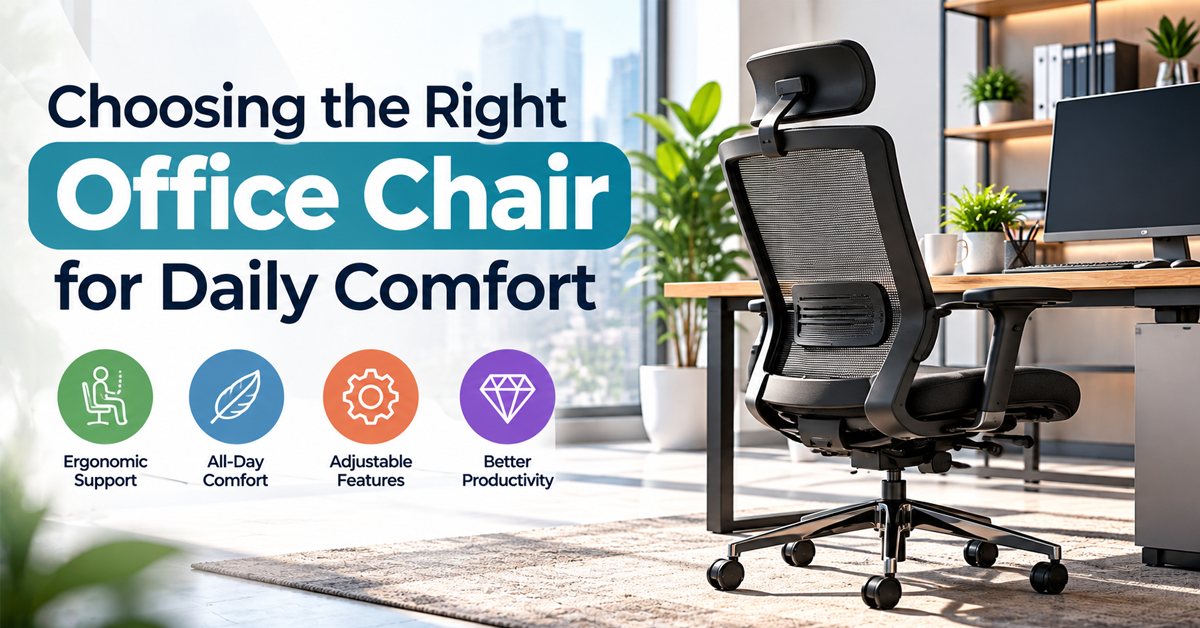
If you spend most of your day at a desk, your chair is the most important piece of equipment you own. It affects your posture, your energy, your focus, and how your body feels at the end of the week. A good chair is not a luxury. It is a daily health decision.
Here is how to choose one that actually works for you.
Why the Right Chair Matters
Sitting for six to ten hours puts steady pressure on your spine, hips, and shoulders. A chair that doesn’t fit your body forces your muscles to compensate, which leads to lower back pain, neck tension, numb legs, and tiredness that seems to have no cause. The right chair spreads your weight evenly, supports the natural curve of your spine, and lets you shift positions without strain.
Key Features to Look For
Adjustable Seat Height
Your feet should rest flat on the floor with your knees at roughly a right angle. If your feet dangle, the chair is too high. If your knees sit above your hips, it is too low. A pneumatic height lever makes this easy to set. If you are shorter and can’t reach the floor comfortably, a footrest can solve the problem.
Seat Depth and Width
You should be able to sit all the way back with about two to three finger-widths of space between the seat edge and the back of your knees. A seat that is too deep cuts off circulation in your legs, and one that is too shallow leaves your thighs unsupported. Look for a chair with an adjustable seat slider if you are particularly tall or short.
Lumbar Support
The lower back has a natural inward curve, and a chair should support it. Some chairs have fixed lumbar contours, while others offer adjustable height or depth. Adjustable support is better, since every spine is different. Your lower back should feel gently supported, not pushed forward.
Backrest Height and Recline
A taller backrest supports your upper back and shoulders, which helps if you sit for long stretches. A tilt mechanism that lets you recline slightly while working reduces pressure on spinal discs. Look for a tension control so the backrest moves with you instead of fighting you, and a tilt lock for the positions you prefer.
Armrests
Armrests should let your elbows rest at about 90 degrees with your shoulders relaxed. If they are too high, your shoulders hunch. If they are too low, you lean to one side. Four-way adjustable armrests that move up, down, in, and out offer the best fit, especially if you type a lot or use a mouse for long periods.
Seat Material and Cushioning
Seat padding should be firm enough to support you but soft enough to stay comfortable after hours of use. Cushions that are too soft collapse and cause poor posture. Pay attention to how the material feels over time, not just in the first few minutes.
Mesh vs. Fabric vs. Leather
Mesh is breathable and keeps you cool, which makes it a good choice in warm climates or non-air-conditioned offices. Quality mesh also conforms to your body and resists sagging.
Fabric is softer and more cushioned, and it comes in many colors. It can trap heat and absorb stains, so look for durable, easy-to-clean weaves.
Leather and faux leather look polished and professional, but they can feel warm during long sessions and may crack or peel over time if the quality is low.
Consider Your Body and Your Work
There is no single best chair for everyone. Think about the following:
- Your height and weight: Check the chair’s weight rating and seat dimensions. Many models come in different sizes.
- Your tasks: If you spend hours typing, prioritize armrests and lumbar support. If you move between tasks and meetings, look for a smooth swivel and quiet casters.
- Your floor: Hard floors need soft rubber casters, while carpet works well with standard hard ones.
- Your existing discomfort: If you have recurring back or neck pain, talk to a physiotherapist or doctor before buying, and bring their advice when you test chairs.
How to Test a Chair Before Buying
- Sit for at least ten to fifteen minutes. Short tests hide problems that appear after an hour.
- Adjust everything. If you can’t find a comfortable setting for each feature, the chair probably isn’t right for you.
- Check the controls. They should be easy to reach and use while seated.
- Look at the warranty. Good chairs often come with five years or more on the frame and mechanisms.
- Check the return policy, especially for online purchases, so you can return it if it doesn’t suit you after a week of real use.
Budget Considerations
You don’t need the most expensive chair, but extremely cheap ones tend to lose support and padding quickly. Mid-range chairs with solid adjustability often give the best value. When comparing prices, think about cost per year of use. A chair that lasts seven years at a moderate price is cheaper than replacing a poor one every two years. Refurbished chairs from reputable office suppliers can also offer premium quality at a lower cost.
Setting Up Your Chair Properly
Even the best chair needs correct setup:
- Set the seat height so your feet are flat and your thighs are parallel to the floor.
- Slide back until your lower back touches the backrest.
- Adjust the lumbar support to fit the curve of your lower spine.
- Raise the armrests until your shoulders relax and your elbows are bent at about 90 degrees.
- Position your monitor so the top of the screen is at or slightly below eye level.
Habits That Make Any Chair Better
A great chair still can’t make up for sitting motionless. Change positions often, stand and stretch every 30 to 60 minutes, and take short walks during breaks. Vary your posture throughout the day, since the best sitting position is the next one.
Conclusion
The right office chair is the one that fits your body, supports your work, and stays comfortable at the end of a long day. Focus on adjustability, test before you buy, and set it up properly once it arrives. Your back, neck, and energy levels will thank you for years to come.